How to use (split sale) alternate unit in transactions?
Login to software.
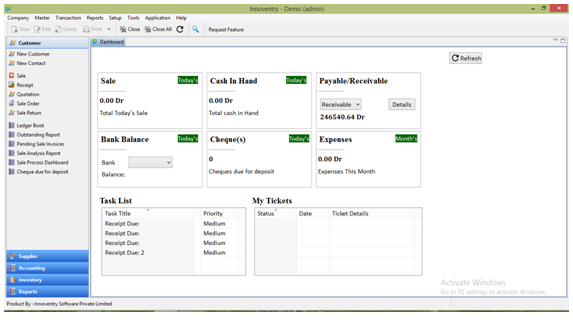
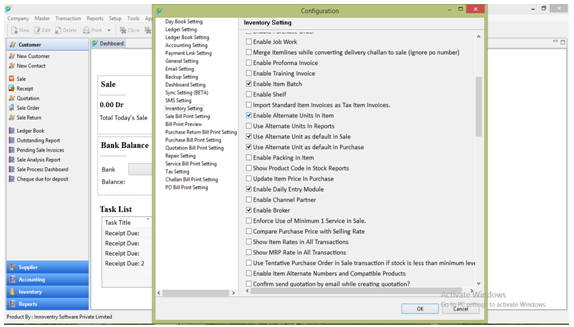
Go to Setup -> Configuration ->Inventory Setting.
Enable -> Use Alternate Unit from inventory setting.
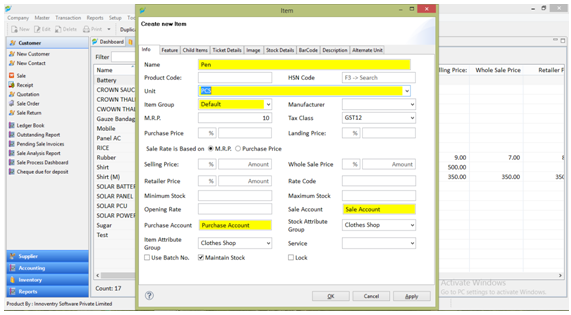
After that go to master -> item -> and Set Master Unit in Item Unit…
like – PCS.
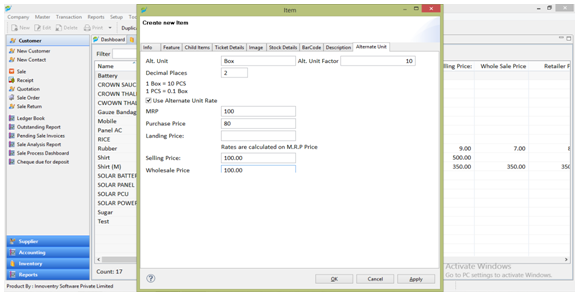
Then Click on ALTERNATE UNIT and Set ALTERNATE UNIT…Like – Box.
And Also set alternate unit Factor = 10.
Ex – 1 Box = 10 Pcs.
1 Pcs= 0.1 Box
And Update Alternate Unit Rates.
After updating alternate unit rates its showing in transaction window.
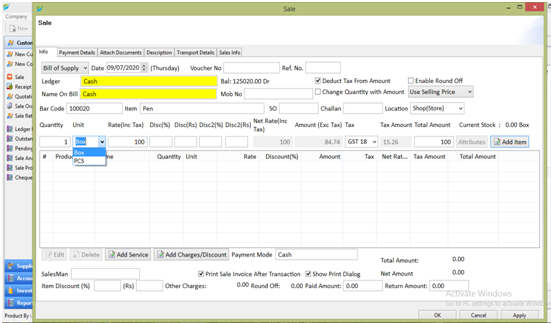
Now it’s easy to manage to units in transaction.