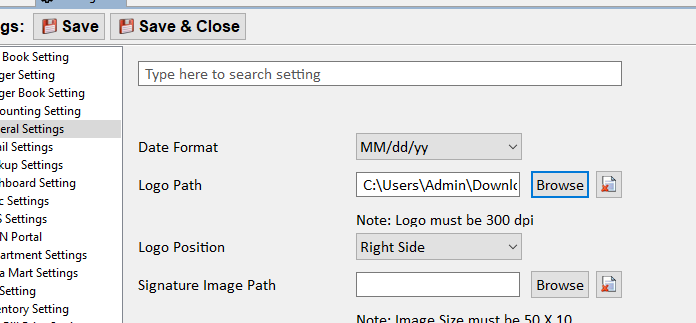
How to add Logo in Invoice
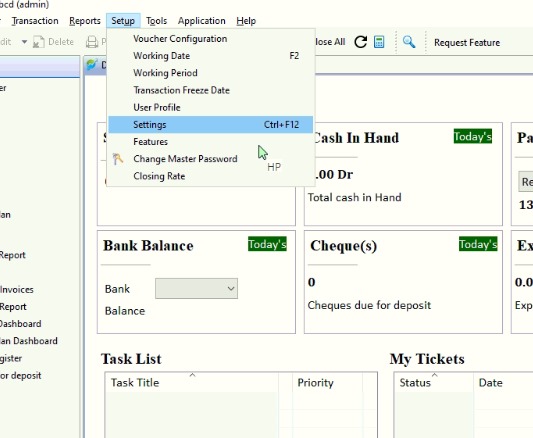
“To add a logo to an invoice, click on ‘Setup,‘ then select the ‘Setting’ option. From there, choose ‘General Setting.'”
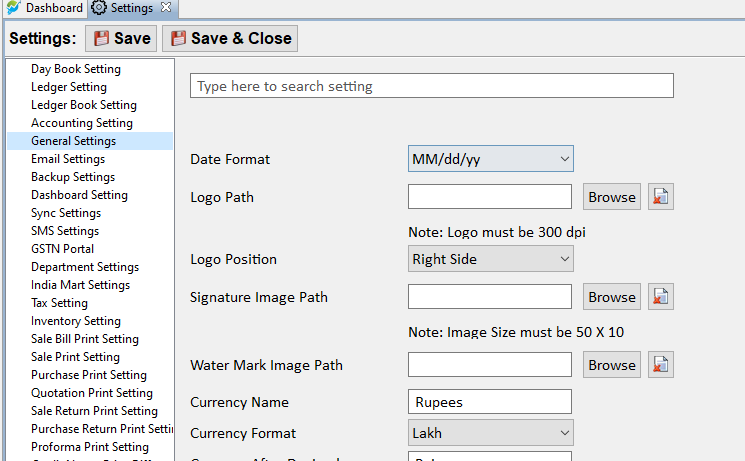
“Select the path where your logo file is located,By clicking on ”Browse”
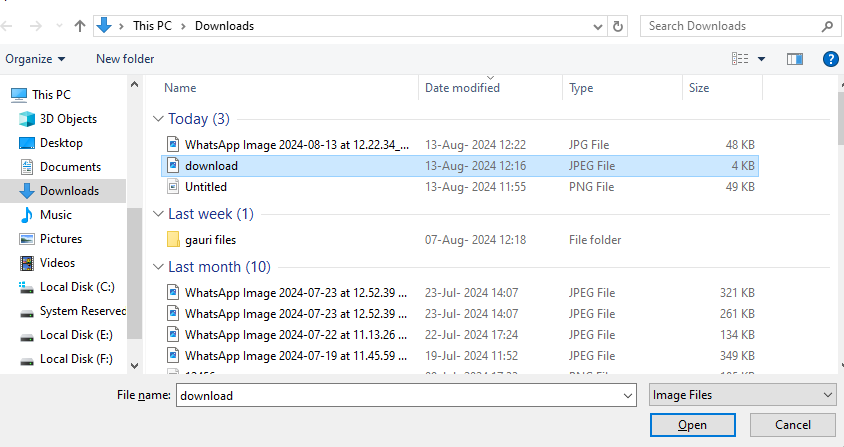
Click on Open and then click on Save and Close.